YiRadar
Smart lighting · Reviewed resource
Reviewed by Mr. Wang, YiRadar Engineering · · Review standard
Selecting a Radar Module for Smart Lighting: Four Conditions That Change the Answer
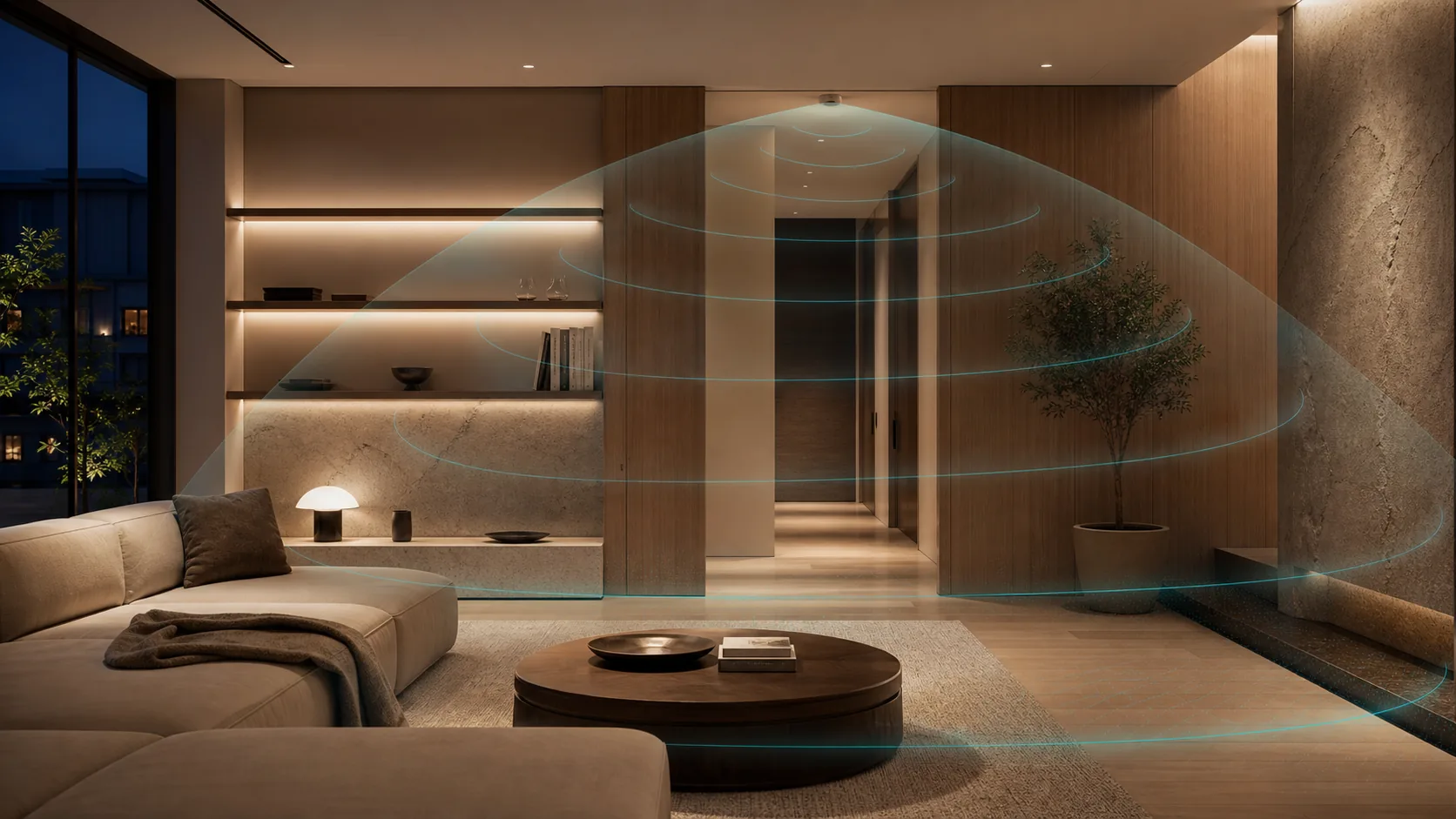
Smart-lighting projects rarely fail because a team forgot to ask for a sensor. They fail when the system response, the room geometry, the mounting position, and the lighting-control logic are treated as separate decisions. A radar module can be a useful sensing input, but its value depends on how those four conditions are aligned.
1. The desired lighting response
Define what should happen when the sensing condition changes. The requirement may be an immediate wake-up, an occupancy hold, a dimmed background state, a zone-specific response, or a handoff to a building controller. State the delay, release behaviour, manual override, and failure behaviour that the lighting system needs.
This turns “occupancy sensing” into an integration requirement. It also helps distinguish applications that need a movement event from those that need the light to remain active for a relatively stationary person. The latter should be tested with realistic seated, standing, and edge-of-zone conditions.
2. Mounting height and field conditions
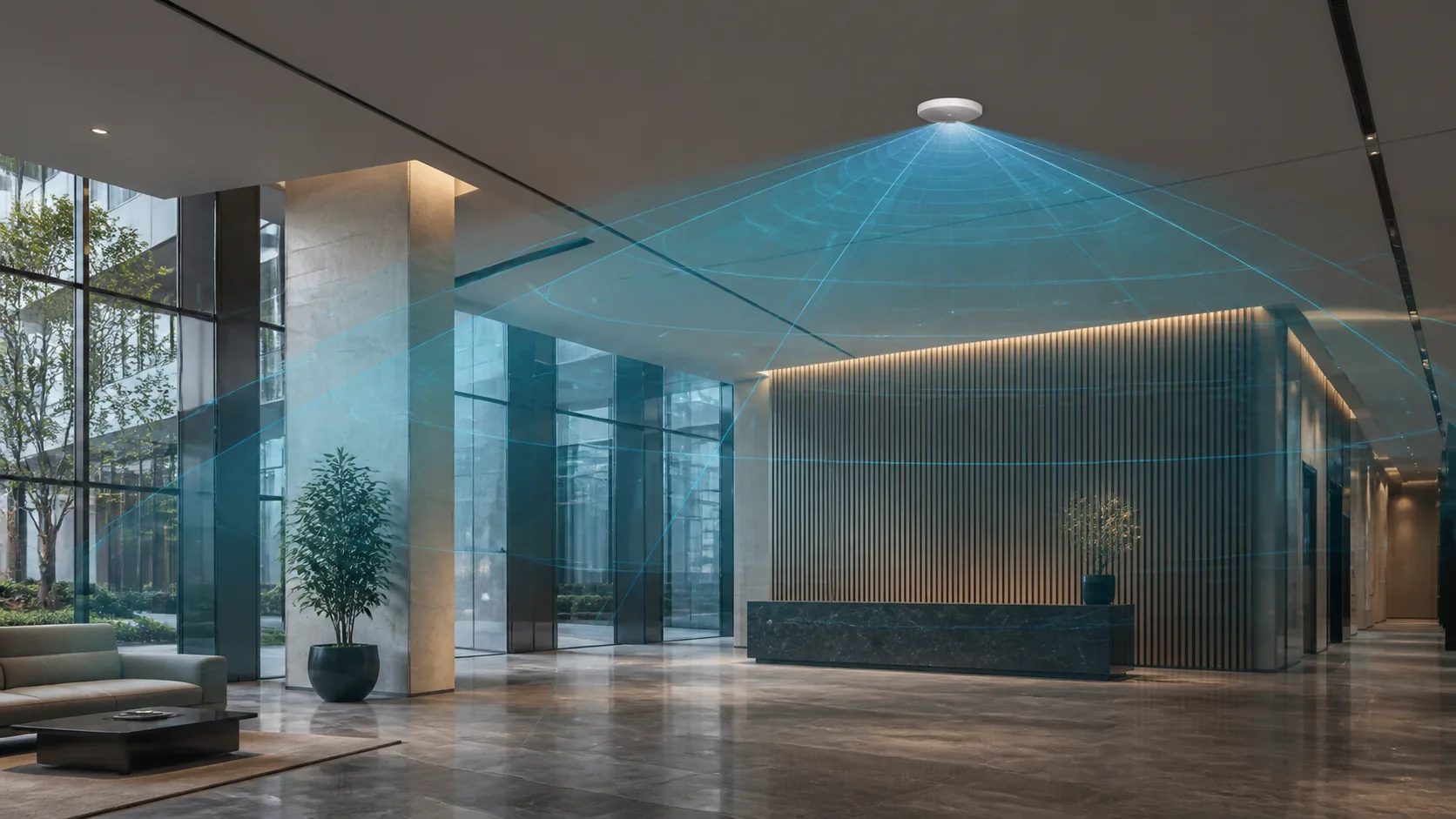
Mounting height changes more than the coverage footprint. It changes target geometry, likely obstructions, the influence of nearby aisles or fixtures, and the practical location of the module and antenna. A high-bay installation, a corridor, a meeting room, and a restroom should not begin with the same brief.
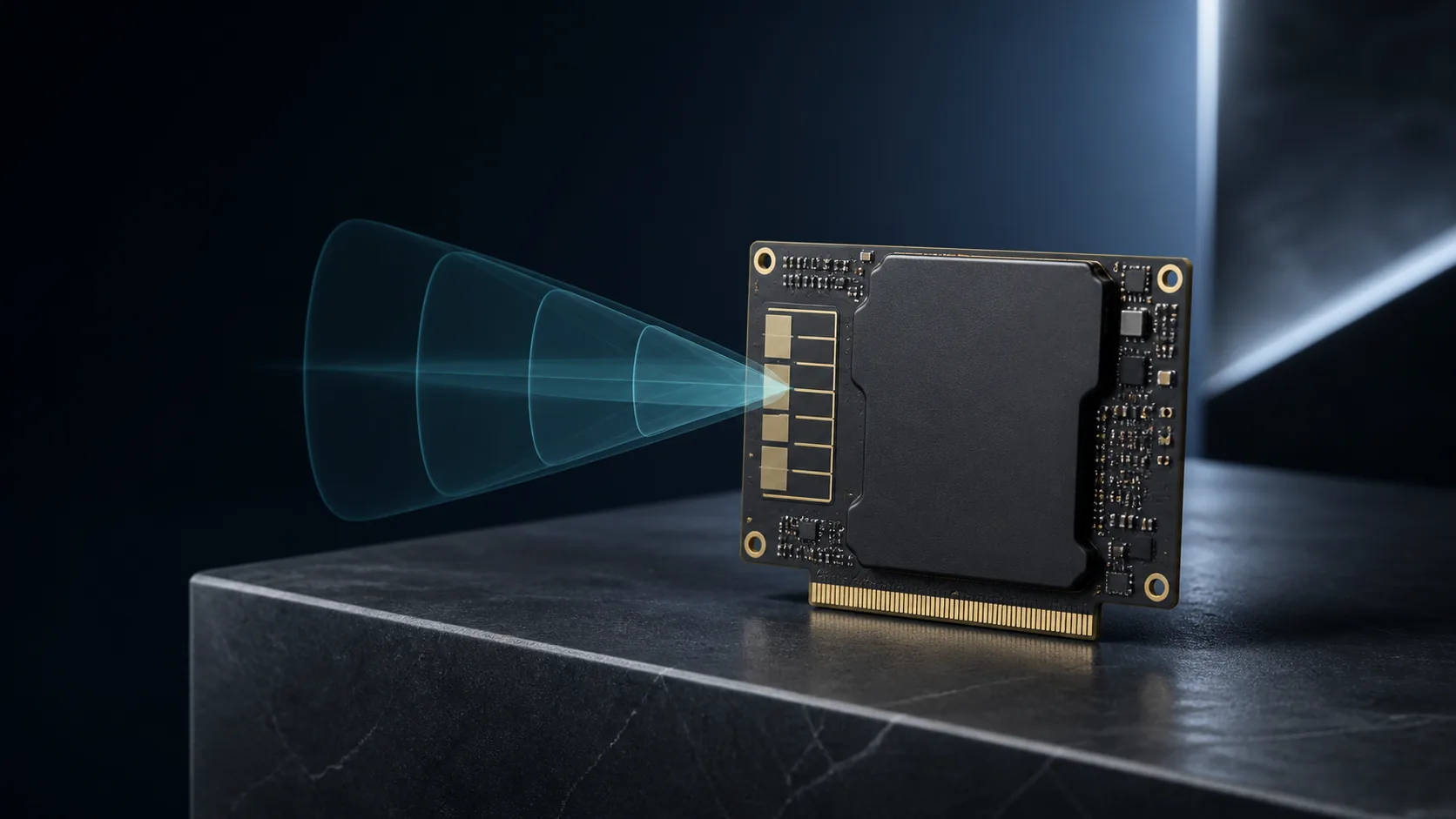
Document the mounting plane, the intended zone, the spaces that must be ignored, and anything likely to move in the background. Include the final luminaire or enclosure material because it may change the RF path. If an accessory is involved, verify its final mechanical interface rather than assuming that a similar sensor category guarantees compatibility.
3. Daylight and control ownership
Daylight-aware control needs a clear owner for the final decision. The system may combine an occupancy event, a light-level input, a schedule, a manual wall control, or a higher-level building command. Identify the host interface and the logic that determines the final luminaire behaviour. A sensor input does not by itself define the commissioning rules.
When a digital lighting-control interface is required, confirm the actual host protocol, bus topology, power arrangement, and interoperability requirements for the final project configuration. Do not infer a protocol, certification, or connected-lighting compatibility from a category label.
4. Commissioning and acceptance testing
The commissioning plan should use the installed room, not a nominal coverage number. Define the target positions, expected trigger and release timing, daylight conditions, false-trigger observations, and override conditions. Record the module and firmware configuration with the finished installation so the result can be repeated across a project.
The smart lighting and building sensing hub provides the project route. For an engineering discussion, include the mounting height, luminaire or enclosure details, host interface, desired control response, and expected volume in a YiRadar RFQ.
Ready to apply this?
Bring the project conditions to an engineer.
Module selection, final integration, and commercial terms are reviewed against the actual installation and host system.