YiRadar
Module selection · Reviewed resource
Reviewed by Mr. Wang, YiRadar Engineering · · Review standard
Radar Presence vs Motion Detection: How to Frame the Module Selection
The words “presence,” “occupancy,” and “motion” are often used interchangeably in project briefs, but they create different sensing and integration questions. A clear definition at the start prevents a system from being optimized for a behaviour that is not actually useful to the host product.
Motion is a change; presence may be a condition
Motion detection is concerned with a meaningful change in the sensing scene. It can be appropriate for a door trigger, an appliance wake-up event, a moving object, or a control sequence that should start when a person enters an area. The relevant project questions include direction, target speed, trigger distance, background movement, and reset timing.
Stationary presence asks a different question: should the host continue to recognise an occupied target even when large body movement is limited? This is important in applications such as desk areas, meeting rooms, hospitality spaces, or some care-related environments. The installed scene, target range, furniture, mounting position, and false-trigger tolerance become particularly important.
Specify the control decision
Before selecting a module, write the exact decision the host should make. For example: “wake the display after a person approaches,” “keep lighting active while a seated person remains in the zone,” or “notify the controller when a target enters a defined area.” Then state when the decision should end. A hold time, a release condition, and a response to conflicting signals are part of the system requirement, not afterthoughts.
This also makes it easier to decide whether a simple event is sufficient or whether the application needs a richer output such as distance, zone, or target-tracking information. The most suitable YiRadar configuration is selected against that output requirement, the installation, and the host integration path.
Draw the detection zone
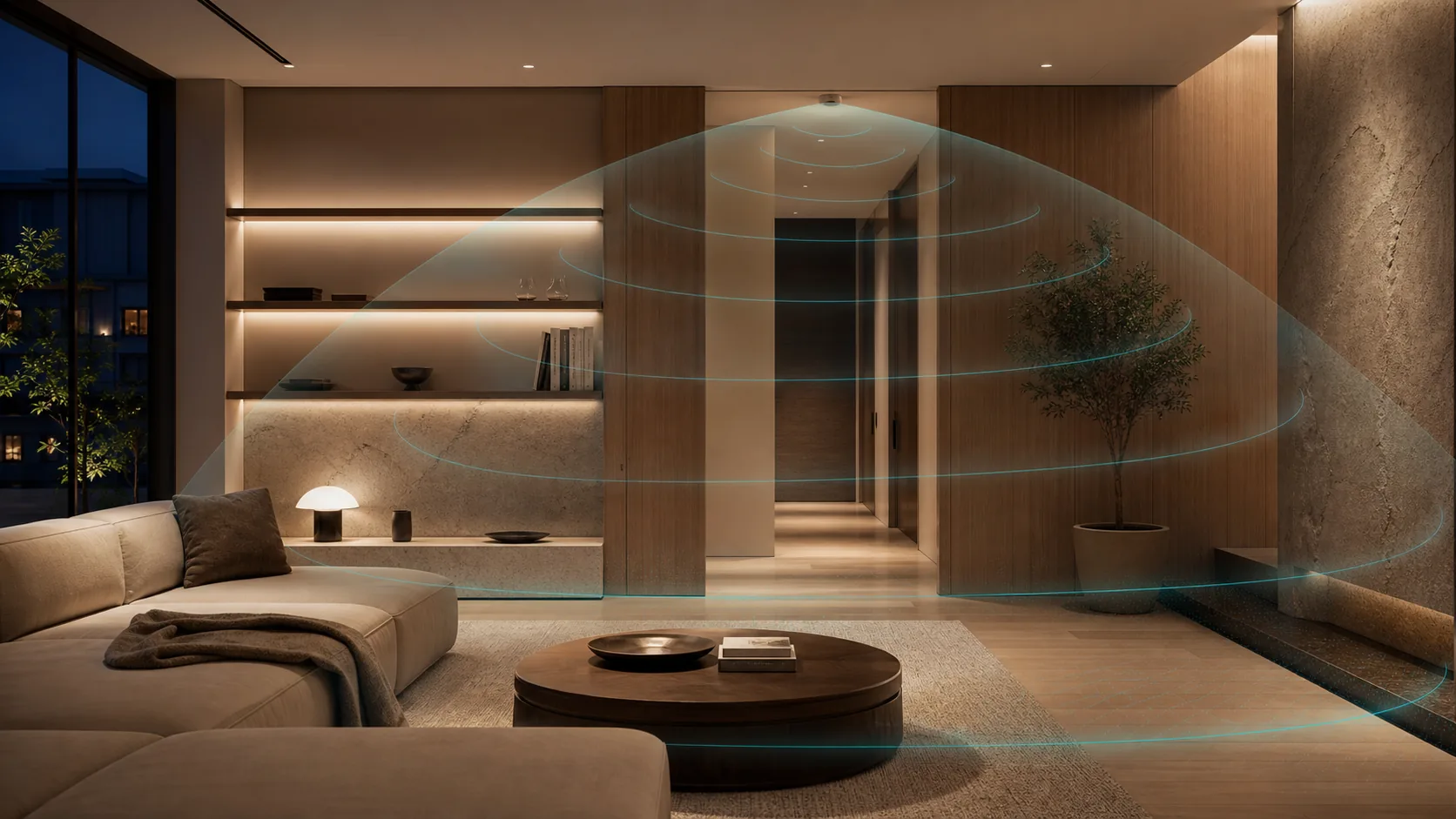
Include the expected mounting plane, target position, desired zone, and spaces that should be ignored. A large nominal coverage area is not automatically useful. In an occupied building, nearby corridors, doors, reflective surfaces, moving equipment, and adjacent rooms can matter more than the maximum range stated for a standalone condition.
Use a drawing to identify what happens when more than one person is present. If the application requires a specific zone or a multi-target interpretation, say so directly. If it needs only an occupancy event, avoid adding an unnecessary tracking requirement that can increase integration effort without improving the outcome.
Treat final behaviour as a validation item
The final enclosure, firmware, and mounting geometry should be tested in the intended operating scene. Define representative occupants or targets, likely obstructions, edge positions, expected response times, and unacceptable false triggers. For buildings, decide which system owns the final lighting, HVAC, or alert logic. For care or warning workflows, define the escalation and response process before deployment.
Start with the presence and occupancy application hub to compare the selection questions, then use the product catalog to identify a source-traceable configuration for an engineering review.
Ready to apply this?
Bring the project conditions to an engineer.
Module selection, final integration, and commercial terms are reviewed against the actual installation and host system.